
Dynamic Scaling
Reduces GPU load. Choose Native Browser Scaling for maximum FPS or smart rendering to preserve crystal-clear UI.
Squeeze maximum FPS out of the browser. Smart dynamic scaling and precise Bottleneck (CPU/GPU) analysis automatically adapt your game to any device.
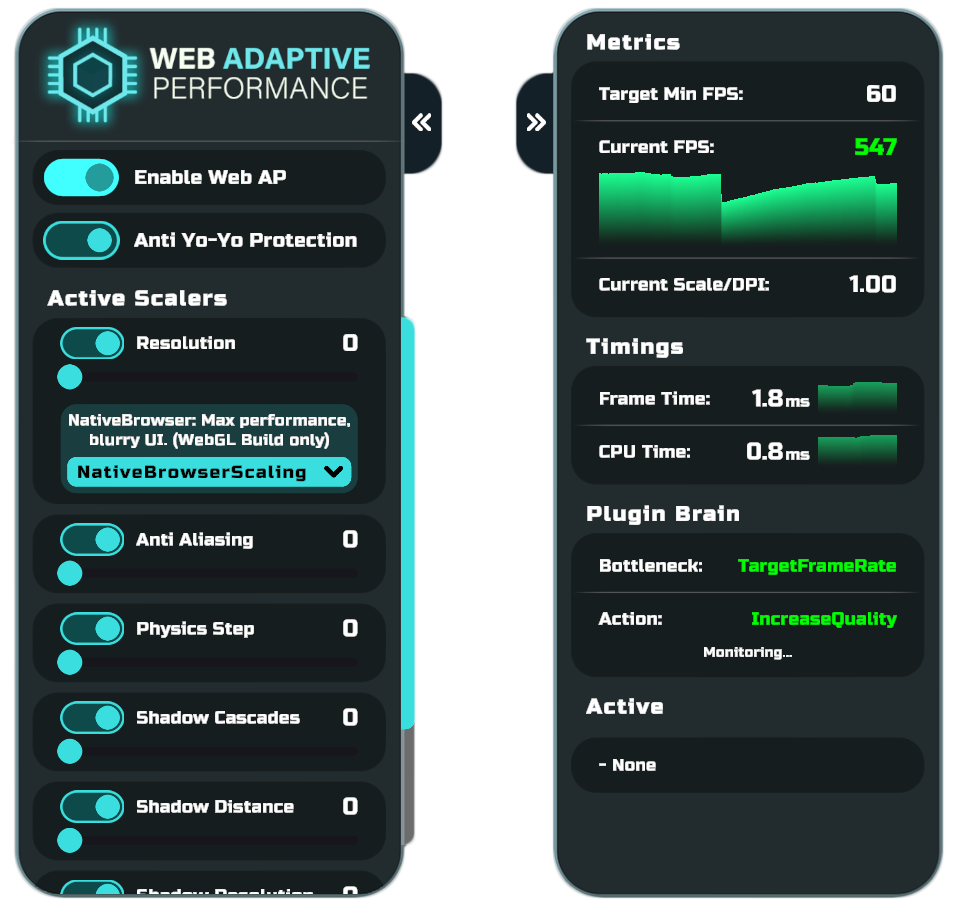
When buying a ready-made asset, you want access "under the hood". WebAP provides a clear public API. Read metrics, lock graphics quality via scripts, or integrate custom optimization modules.
Create a custom Scaler for your unique mechanics in just a few minutes:
using GrindsetStudios.WebAdaptivePerformance.Scalers;

[UnityEngine.Scripting.Preserve]
public sealed class MyCustomScaler : WebScalerBase
{
    public MyCustomScaler()
    {
        _target = ScalerTarget.GPU;                // Specify that this rescues the video card
        _visualImpact = ScalerVisualImpact.Medium; // Degree of impact on the visual output
        _maxLevel = 3;                             // Add 3 degradation steps
    }

    protected override void OnLevel()
    {
        // Apply your quality settings here.
        // The plugin will decide when to invoke this method!
    }
}